LATEST
Uruguay in Talks with US to Accept Deported Migrants, Opening New Opportunities Japan Earthquake: Resilience and Solidarity After Kyushu Quake Milei Stirs Diplomatic Tensions with Spain, Shares Harsh Article Against Pedro Sánchez Peronism Seeks Direction in La Rioja: Máximo Kirchner Attends, Kicillof Skips Key Meeting Milei Faces Complex Agenda: National Address, Brazil Tensions, and IMF Visit National Teacher Strike on August 3: Demands and Union Strategies in Argentina Tragedy at Iguazu Falls: Dutch Tourist Dies After Boat Capsizes Tragedy in San Juan: Official Helicopter Crash Claims 7 Lives Milei to Announce Historic Reform of Argentina's Central Bank Charter on Thursday Santa Fe Province Enforces Salary Hike by Decree Amid Teacher Union Rejection Uruguay in Talks with US to Accept Deported Migrants, Opening New Opportunities Japan Earthquake: Resilience and Solidarity After Kyushu Quake Milei Stirs Diplomatic Tensions with Spain, Shares Harsh Article Against Pedro Sánchez Peronism Seeks Direction in La Rioja: Máximo Kirchner Attends, Kicillof Skips Key Meeting Milei Faces Complex Agenda: National Address, Brazil Tensions, and IMF Visit National Teacher Strike on August 3: Demands and Union Strategies in Argentina Tragedy at Iguazu Falls: Dutch Tourist Dies After Boat Capsizes Tragedy in San Juan: Official Helicopter Crash Claims 7 Lives Milei to Announce Historic Reform of Argentina's Central Bank Charter on Thursday Santa Fe Province Enforces Salary Hike by Decree Amid Teacher Union Rejection
Español English 中文 Português Français Italiano Deutsch العربية Русский اردو

WhatsApp's Hidden 'Trash Bin': How to Free Up Space in Seconds

08/07/2026 13:43 - Tecnologia
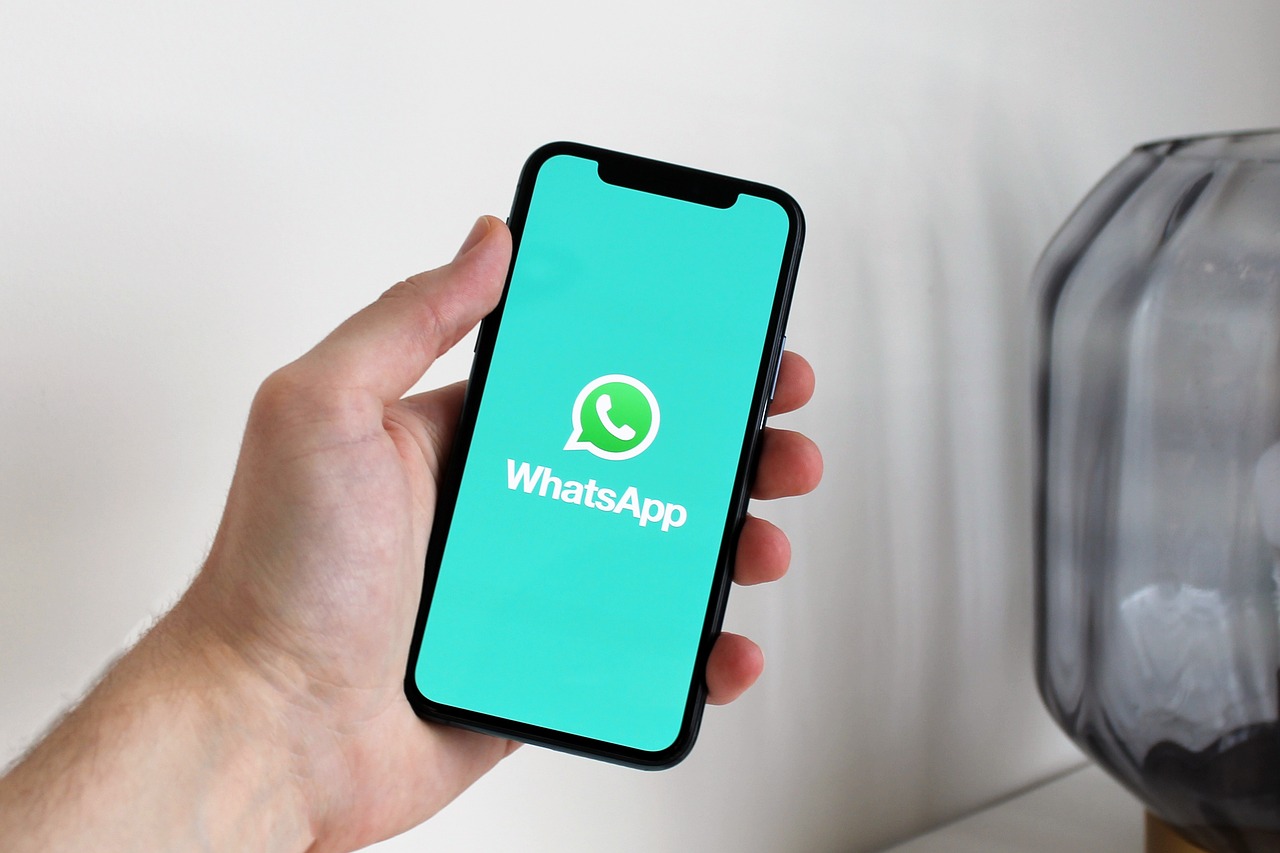
The Myth of WhatsApp's Recycle Bin

If you live in Latin America or communicate with people there, you know WhatsApp is the king of messaging. With constant voice notes, forwarded memes, and family group chats, your phone's storage fills up quickly. According to reports from Argentine tech portals, WhatsApp does not actually feature a traditional recycle bin where deleted files are stored for later recovery.

As reported by Infobae and MDZol in July 2026, the Meta-owned app instead provides a Storage Management tool that acts as the ultimate gateway to clean up your device in seconds.

How to Access the Storage Manager

Experts suggest that to check the space the app is using and eliminate unnecessary files, you should follow these simple steps, available for both Android and iPhone:

  1. 1. Open WhatsApp on your phone.
  2. 2. Go to Settings (or Configuracion/Ajustes in Spanish).
  3. 3. Select the Storage and Data option.
  4. 4. Tap on Manage Storage.

What Will You Find There?

In this section, sources indicate you will see a detailed breakdown of the total space used by the app. You can quickly identify:

Large Files

Videos or documents heavier than 5 MB that you probably no longer need.

Forwarded Items

Those memes, chain messages, or photos that have been shared multiple times across different chats.

From here, you can select the files that are no longer useful and tap the trash can icon. Keep in mind: once deleted, these files disappear from WhatsApp permanently and are not kept in an internal recycle bin.

Extra Tips to Keep Your Phone Light

Regular cleaning is essential, but tech bloggers suggest you can also prevent the accumulation of digital junk with these recommendations:

  • Disable Auto-Download: In the Storage and Data menu, configure what you want to download automatically only on Wi-Fi, on mobile data, or when roaming.
  • Cloud Backup: Before deleting, save your important photos and videos to Google Photos (Android) or iCloud (iPhone).
  • Review Unused Apps: Delete applications you no longer use to free up additional space on your phone.

Dedicating a few minutes to this task every now and then could make a huge difference in your device's fluidity and performance.

Today's News
Alfredo's Column Alfredo S. Quiroga

Alfredo S. Quiroga