LATEST
Avatar: fuego y cenizas ya disponible en Disney+: todos los detalles de la esperada tercera entrega Pampita Hilariously Reflects on Her Two Failed Marriages: "Maybe That's Why Things Went the Way They Did" Big Brother Argentina 2026: Shocking Nominations with Unexpected Twists Valve Launches New Steam Machine: 6x More Powerful Than Steam Deck How to Activate Earthquake Alerts on Your Android Phone: A Life-Saving Guide Economist Downplays Dollar Surge Amid Argentina's Inflation Battle Argentine Auto Market Under Pressure as Dollar Blue Surges Past 1,530 Pesos Argentine Stocks Plunge Up to 10% on Wall Street After MSCI Standalone Decision Brutal Neighborhood Fight in San Fernando: 13-Year-Old Shot in the Head Mendoza Revitalizes Its Heart: Historic Works Begin on Yrigoyen Street with 18 Months of Transformation Avatar: fuego y cenizas ya disponible en Disney+: todos los detalles de la esperada tercera entrega Pampita Hilariously Reflects on Her Two Failed Marriages: "Maybe That's Why Things Went the Way They Did" Big Brother Argentina 2026: Shocking Nominations with Unexpected Twists Valve Launches New Steam Machine: 6x More Powerful Than Steam Deck How to Activate Earthquake Alerts on Your Android Phone: A Life-Saving Guide Economist Downplays Dollar Surge Amid Argentina's Inflation Battle Argentine Auto Market Under Pressure as Dollar Blue Surges Past 1,530 Pesos Argentine Stocks Plunge Up to 10% on Wall Street After MSCI Standalone Decision Brutal Neighborhood Fight in San Fernando: 13-Year-Old Shot in the Head Mendoza Revitalizes Its Heart: Historic Works Begin on Yrigoyen Street with 18 Months of Transformation
Español English 中文 Português Français Italiano Deutsch العربية Русский اردو

How to Activate Earthquake Alerts on Your Android Phone: A Life-Saving Guide

25/06/2026 16:34 - Tecnologia
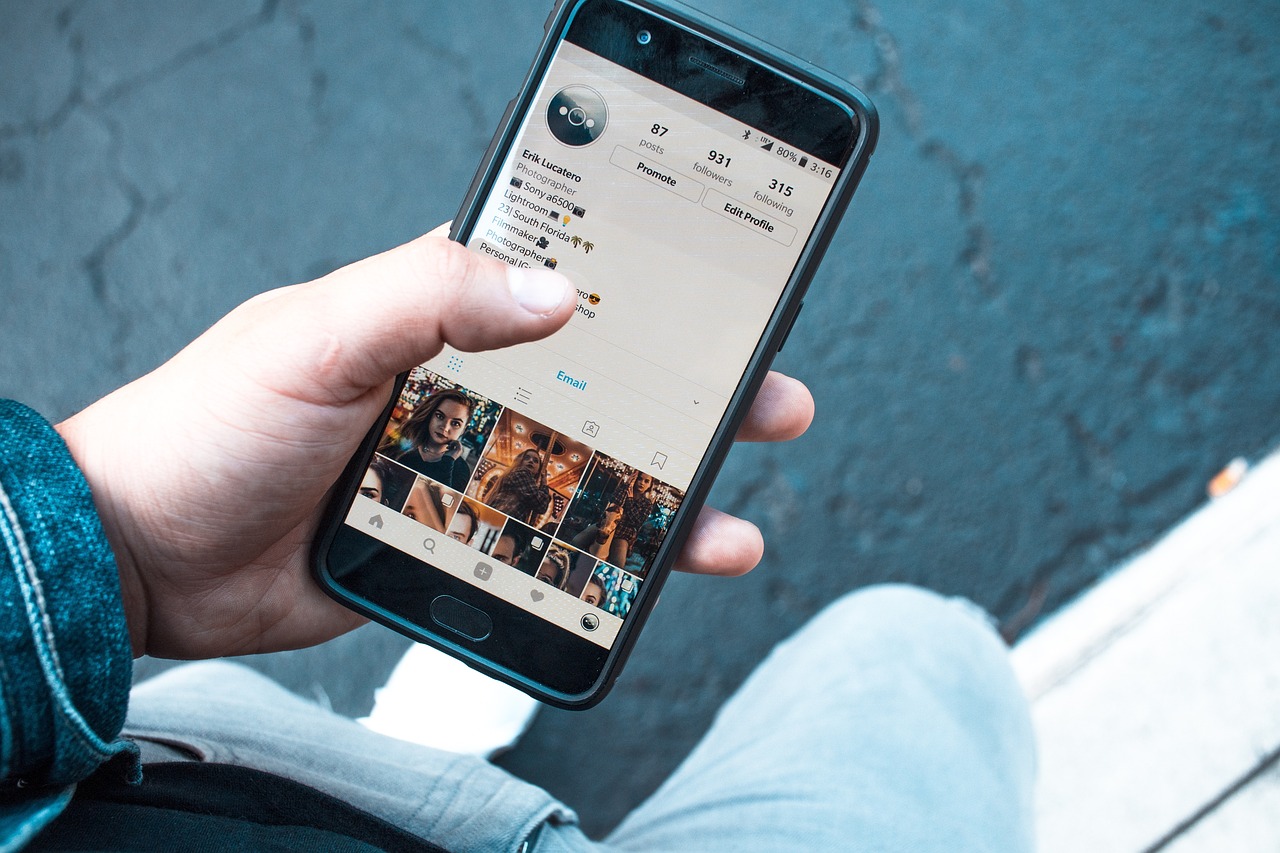
🌍 What is the Android Earthquake Alerts System?

Google developed the Android Earthquake Alerts System, an innovative technology that transforms more than 2 billion Android smartphones worldwide into a global seismic detection network. Each phone acts as a "mini seismograph" using its built-in accelerometer—the same sensor that detects when you rotate your screen.

When multiple devices in the same area detect matching vibrations, Google processes the information and determines whether it corresponds to a real earthquake. If confirmed, it sends automatic alerts to users near the epicenter with seconds of advance warning.

⚠️ Why This Matters: The Venezuela Earthquake Context

Venezuela experienced a double seismic event with magnitudes 7.2 and 7.5 occurring just 39 seconds apart. The epicenter was located near San Felipe, Yaracuy state, approximately 200 km from Caracas, the capital city. Reports indicate 164 fatalities and 971 injuries according to official statements from Venezuelan authorities.

According to geologist Eduardo Malagnino, the energy released was equivalent to 260 nuclear bombs like the one dropped on Hiroshima. This catastrophic event highlights the critical importance of having early warning systems on your mobile device.

📱 Step-by-Step: How to Activate Earthquake Alerts on Android

Step Instruction
1 Open the "Settings" app on your Android device.
2 Search for and select "Safety & Emergency" or "Security".
3 Enable the "Earthquake Alerts" function.
4 Alternative route: Location → Advanced → Earthquake Alerts.

📋 Requirements: Updated Android operating system, location services enabled, emergency notifications permitted, and active internet or mobile data connection.

🔔 Types of Alerts You'll Receive

  • Informational Alert: A simple notification for lower-intensity earthquakes.
  • Critical Alert: Full-screen alert for major earthquakes, including safety instructions and countdown to impact.

🍎 iPhone Alternatives

iPhone users can search for terms like "earthquake" or "seismic activity" on Google to get updated information about magnitude, location, and time of recent events.

Additionally, Apple has its own government emergency alerts system that includes seismic warnings in certain regions. Check your iPhone's Settings → Notifications → Emergency Alerts.

🛡️ Google's Recommendations for Optimal Performance

  • Keep your Android operating system and device services always updated.
  • Maintain Location services enabled for accurate detection.
  • Allow Emergency Notifications in your device settings.
  • Ensure a stable internet connection via Wi-Fi or mobile data.
  • Avoid aggressive battery-saving modes that might delay critical alerts.

💡 Important Note: This technology does NOT predict earthquakes, but it can provide seconds of advance warning before the strongest waves arrive—enough time to Drop, Cover, and Hold On, potentially saving lives.

Today's News
Alfredo's Column Alfredo S. Quiroga

Alfredo S. Quiroga